
Prepare a sprint (Sprint Planning)
Set the goal, work out the team's capacity, choose tickets against past velocity and confirm the plan.
- Plan
- All plans
- Required permission
- Sprints › CreateDefault: Product Owner, Scrum Master, plus the project owner and admins.
- Required permission
- Sprints › EditDefault: Product Owner, Scrum Master, plus the project owner and admins.
Open the planning
In Sprints, click Sprint Planning on the card of a sprint that has not started yet. Planning runs in steps; Simple view shows only the essentials, Full view shows everything.
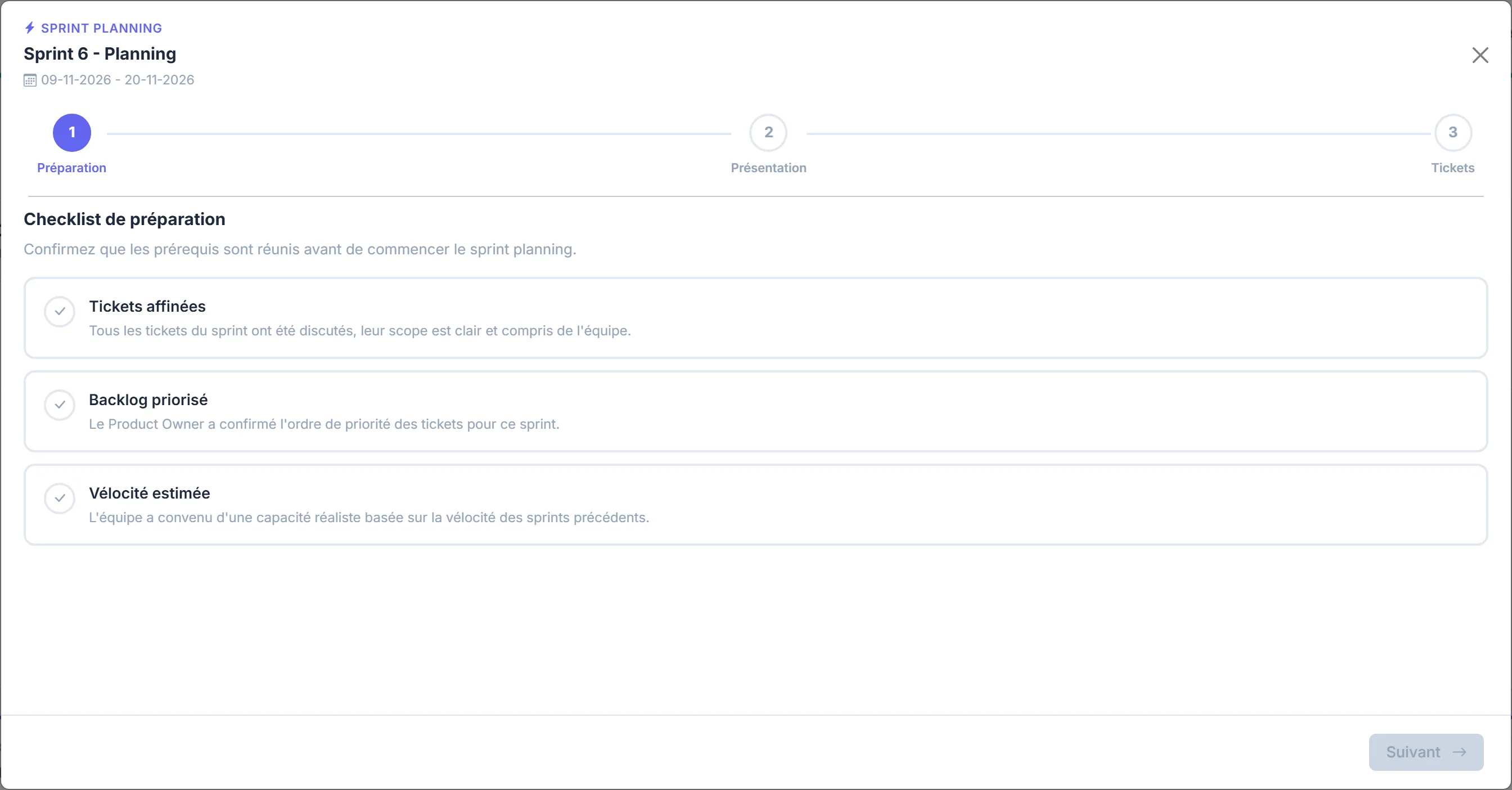
The steps
- Preparation: the Preparation checklist confirms that the backlog is prioritised, the tickets are refined and the velocity is estimated.
- Sprint goals: the main goal, presented to the team. The Sprint Review verdict will be on this goal.
- Team capacity: the sprint's working days and each person's available person-days, to account for absences.
- Velocity: Manifst recalls the minimum, average and maximum of recent sprints, and you set a target velocity.
- Sprint Tickets: add tickets from the Available backlog, adjust their story points, remove the lower-priority ones.
- Definition of Done: the criteria taken from the project's template, to be adjusted for this sprint if needed.
- Summary, then Finish planning.
Capacity, ticket order and estimates are saved: you can leave the planning and come back to it.
Unestimated tickets count as 0
Before you confirm, Manifst flags tickets without story points. Estimate them with planning poker so that velocity and earned value make sense.
Next
Start the sprint when the team is ready. Only one sprint can be active at a time. Unfinished tickets from a completed sprint are carried over automatically into the next sprint: the summary says so.